 App Download
 English



Please uninstall the old version of the app before reinstalling.
IOS users please use Safari browser to open the page and download.

IOS

Android
Installation Guide
Apple Android
Download and install and register under the same network environment, do not switch networks. If unable to download normally, please use mobile browser to open.
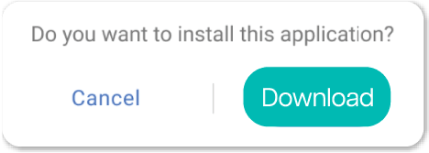
1. After the code is scanned, click [Download Now] on the page

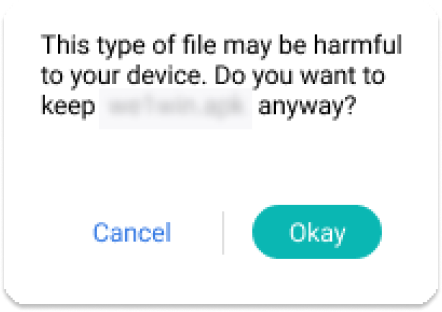
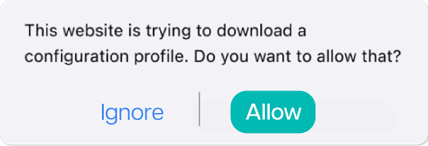
2. Select 'Allow'
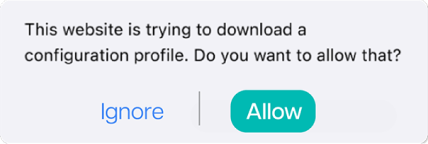
3. Click 'Close' and open Settings
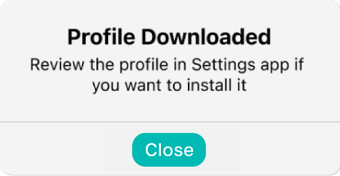
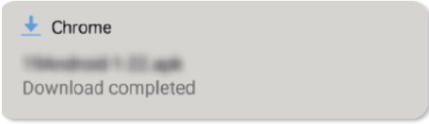
4. Click on the downloaded file to install
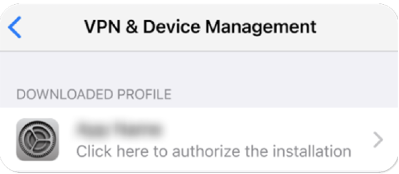
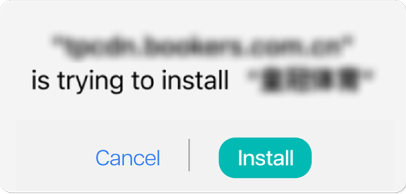
5. Click 'Install'
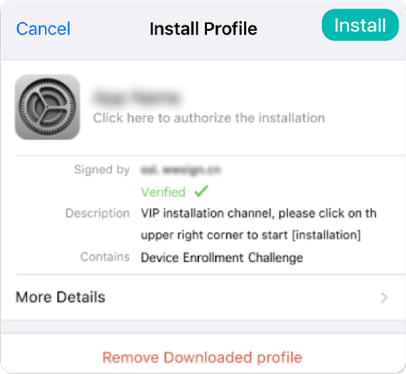
6. Under Web Configuration settings, click 'Allow'
7. Select 'Install' as the final step